
This article explains how to stream audio from a turntable or CD player to AirPlay and AirPlay 2 speakers using a Raspberry Pi.

Hi-Fi was simple; a literal one-step process. Insert CD or drop the needle, and the music plays. But modern streaming pull us in the opposite direction, adding apps, accounts, cloud services, adds, and of course the inevitable subscription.
There’s something quite nice about a rack of records. But there’s also something quite nice about multi-room audio and wireless speakers like HomePods. autostream brings the two together, preserving the Hi-Fi experience while letting your music play anywhere. With it, your turntable or CD player (or tuner or cassette deck) can play directly to AirPlay and AirPlay 2 speakers. With the simplest possible interface: choose where the music plays and how loud — nothing more.
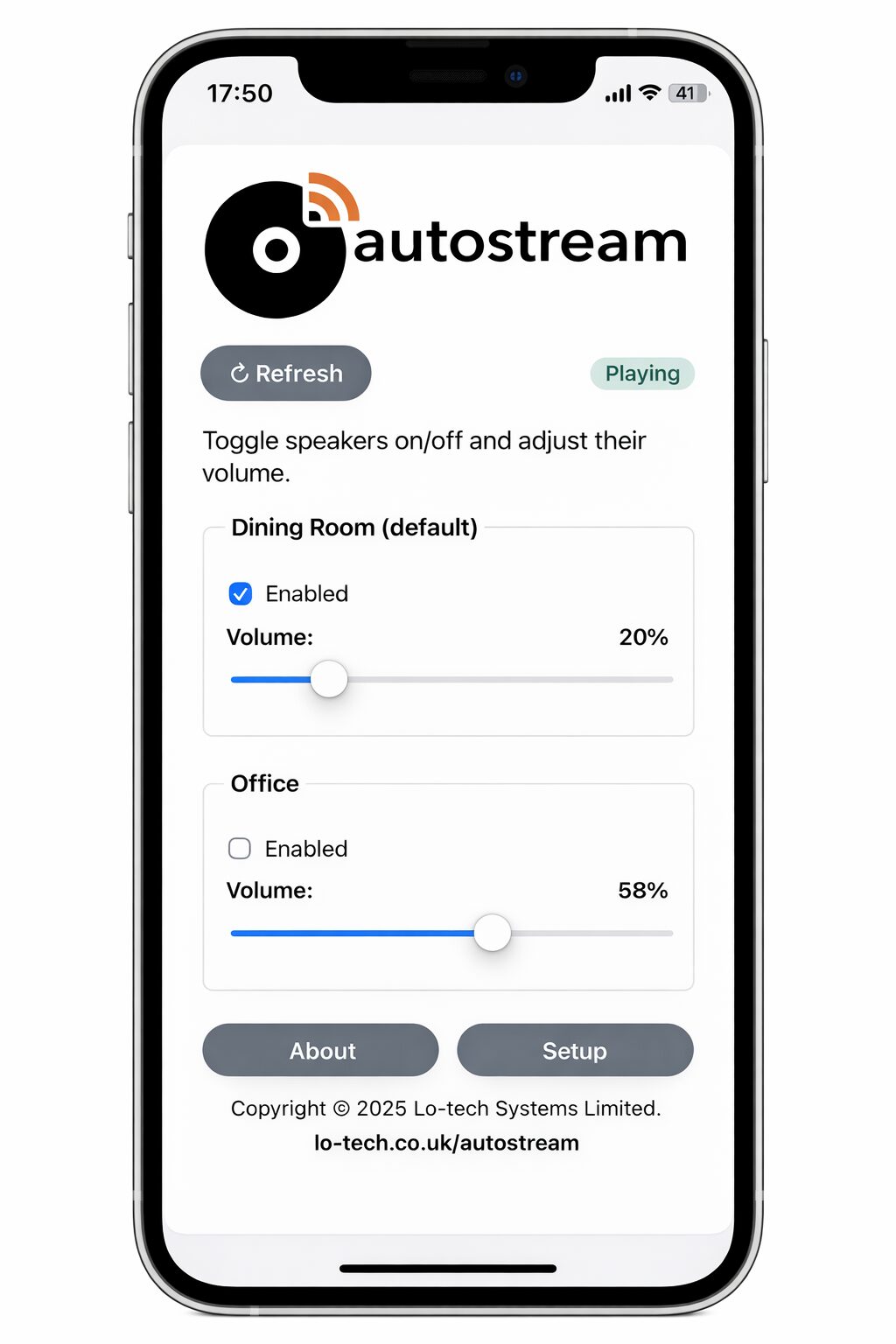
AirPlay becomes the way sound moves around your home. Your Hi-Fi at its centre. Your vinyl in perfect sync playing in the lounge, study and kitchen – and all using the equipment you already enjoy.
autostream has been built to run on Raspberry Pi (the £13 Zero 2W and £20 Model 3A both recommended) so it doesn’t have or need cloud services or user accounts. It runs locally, under your control. And it’s built to keep itself up-and-running, always ready for the next track.
If that sounds like your kind of system, the code and step-by-step install guide (including a guided setup) are available on GitHub right now.
RaspberryPi Based – But Not Complicated
The software installs directly on a Raspberry Pi using an included script. If you’re comfortable connecting to a Pi over SSH, you’re just three copy-and-paste commands away from having it running.
And if that’s not your thing, a pre-built microSD card image is in the works — check back soon.