

autostream connects your HiFi separates to AirPlay and AirPlay 2 speakers.
Elegant, low-effort streaming for real Hi-Fi gear.
Free for personal use – get it on GitHub
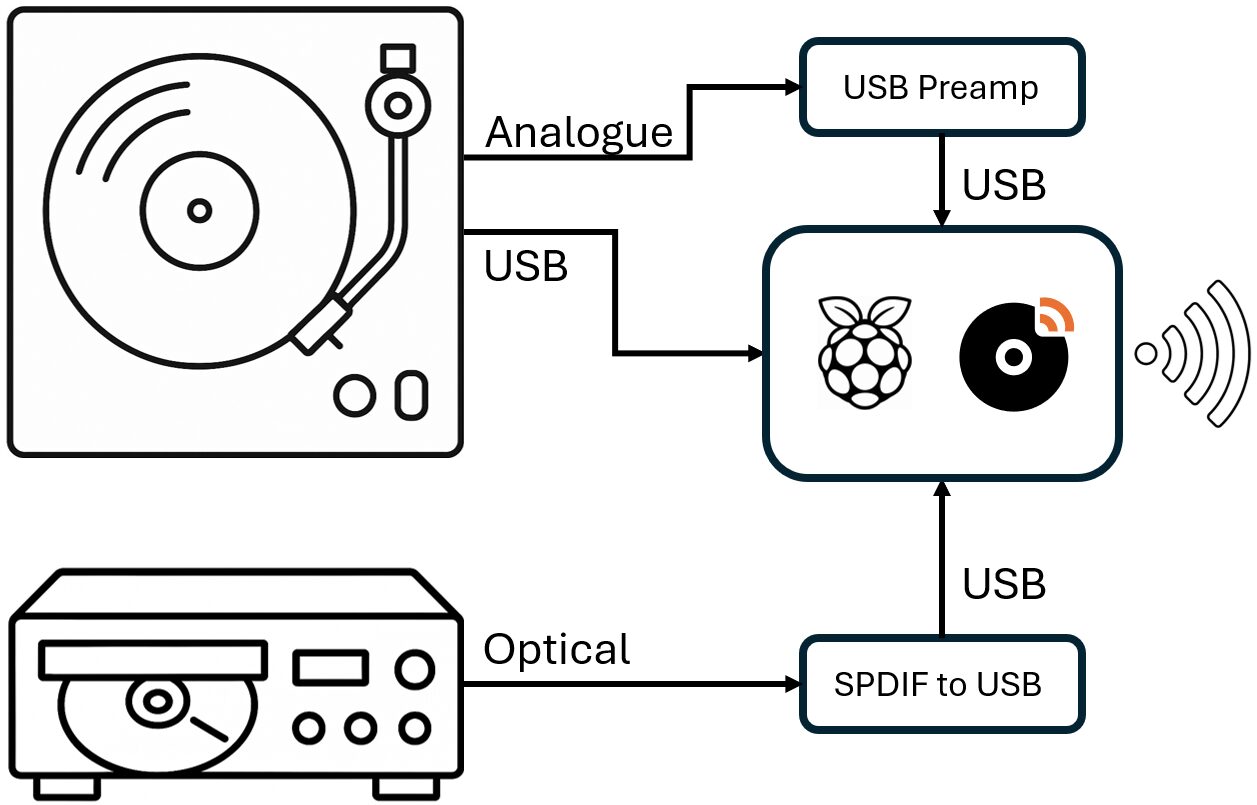
Connect autostream to your HiFi equipment to stream vinyl, CD, radio, and anything else with a line-level output. Control is easy with the simple app-like experience. Everything works over WiFi, and there’s no vendor lock-in, no apps to install, and no cloud accounts or adverts.
Just press play: autostream does the rest.
autostream…
- Turns any Raspberry Pi into an AirPlay/AirPlay2 streamer.
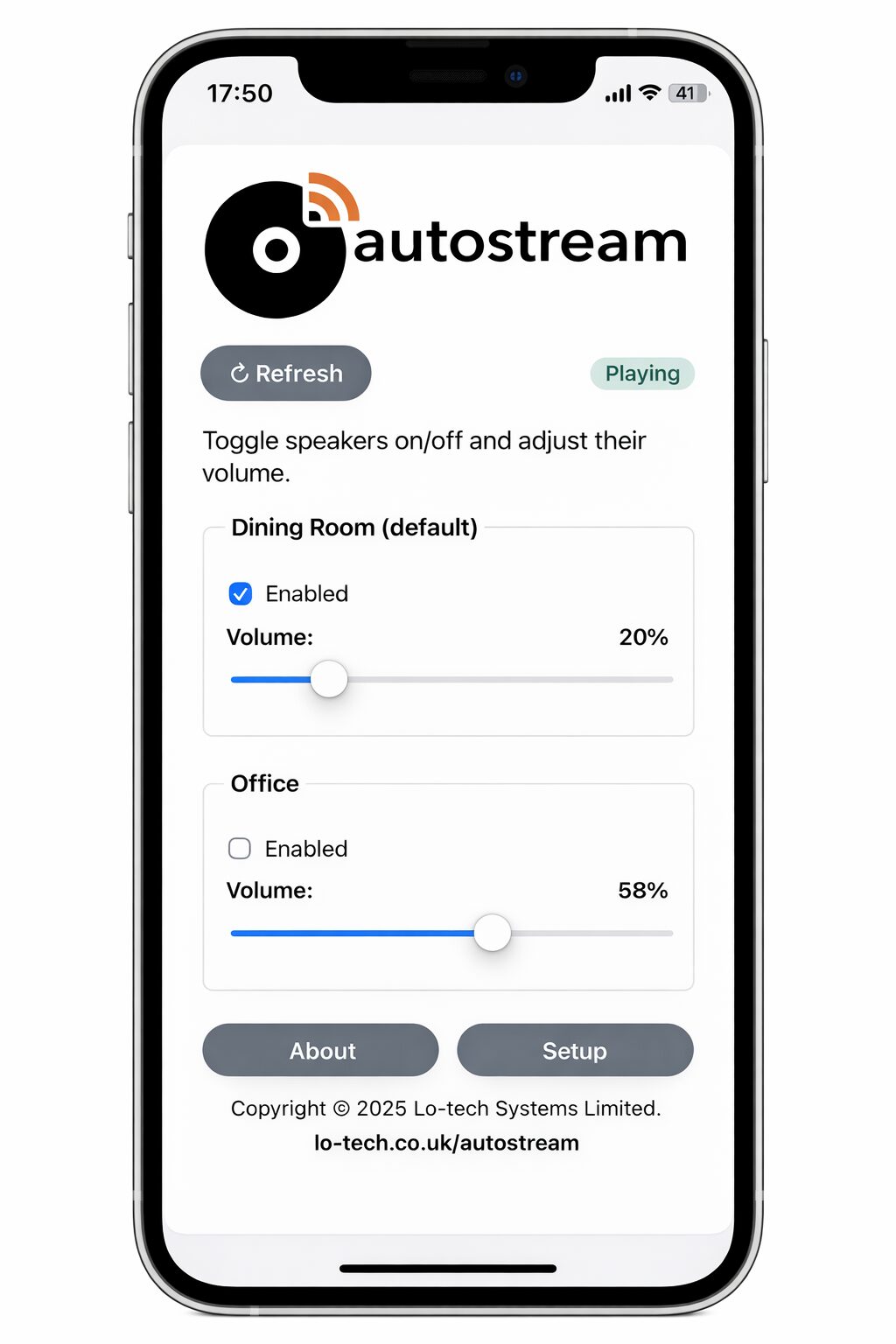
- Has a simple, mobile optimised interface to control volume and which speakers are playing.
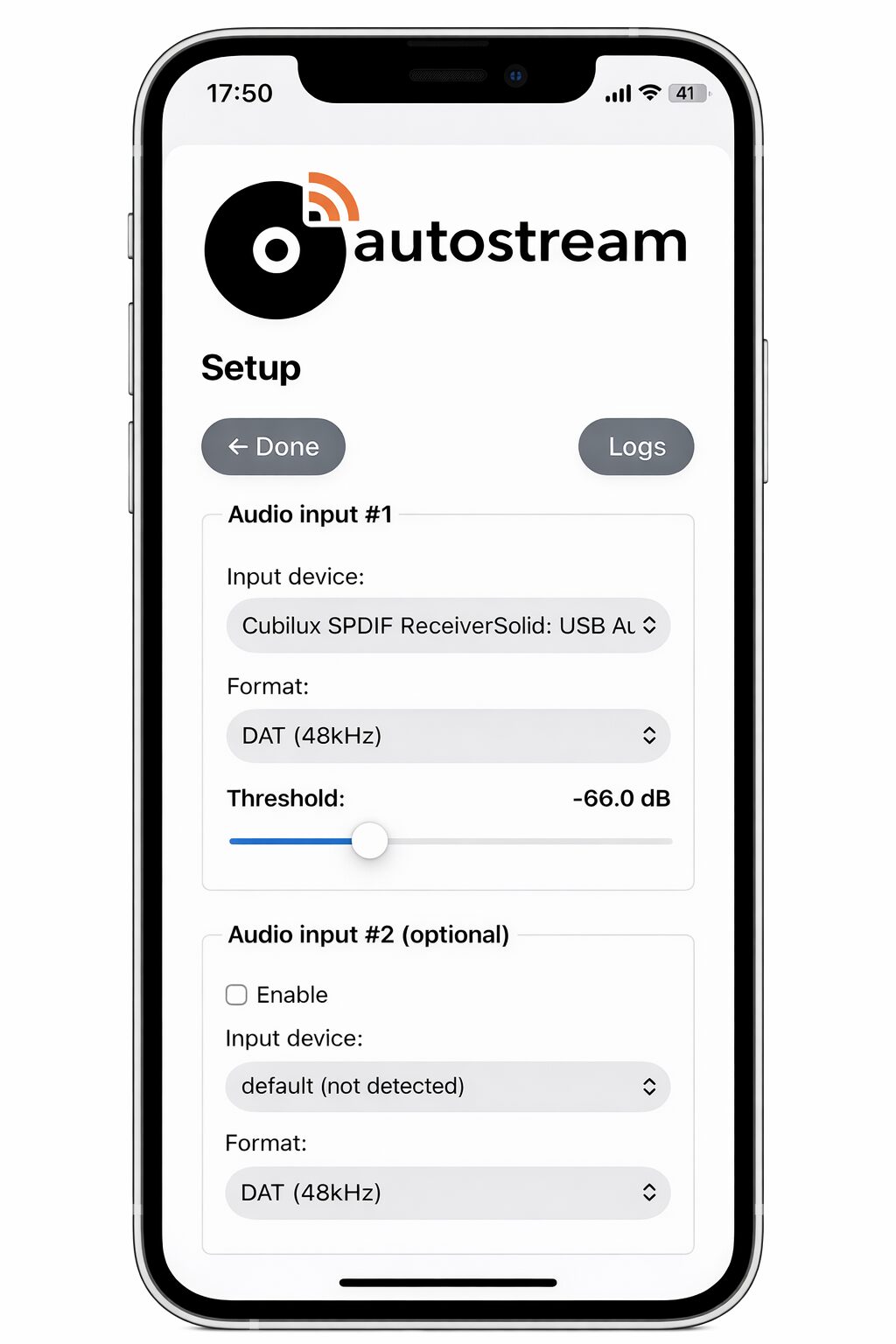
- Listens for music on one or two connected audio sources.
- Automatically starts streaming when sound is detected and stops when it ends. It preserves the simplicity of HiFi separates whilst playing through muti-room WiFi speakers.
- Works entirely on your home network.
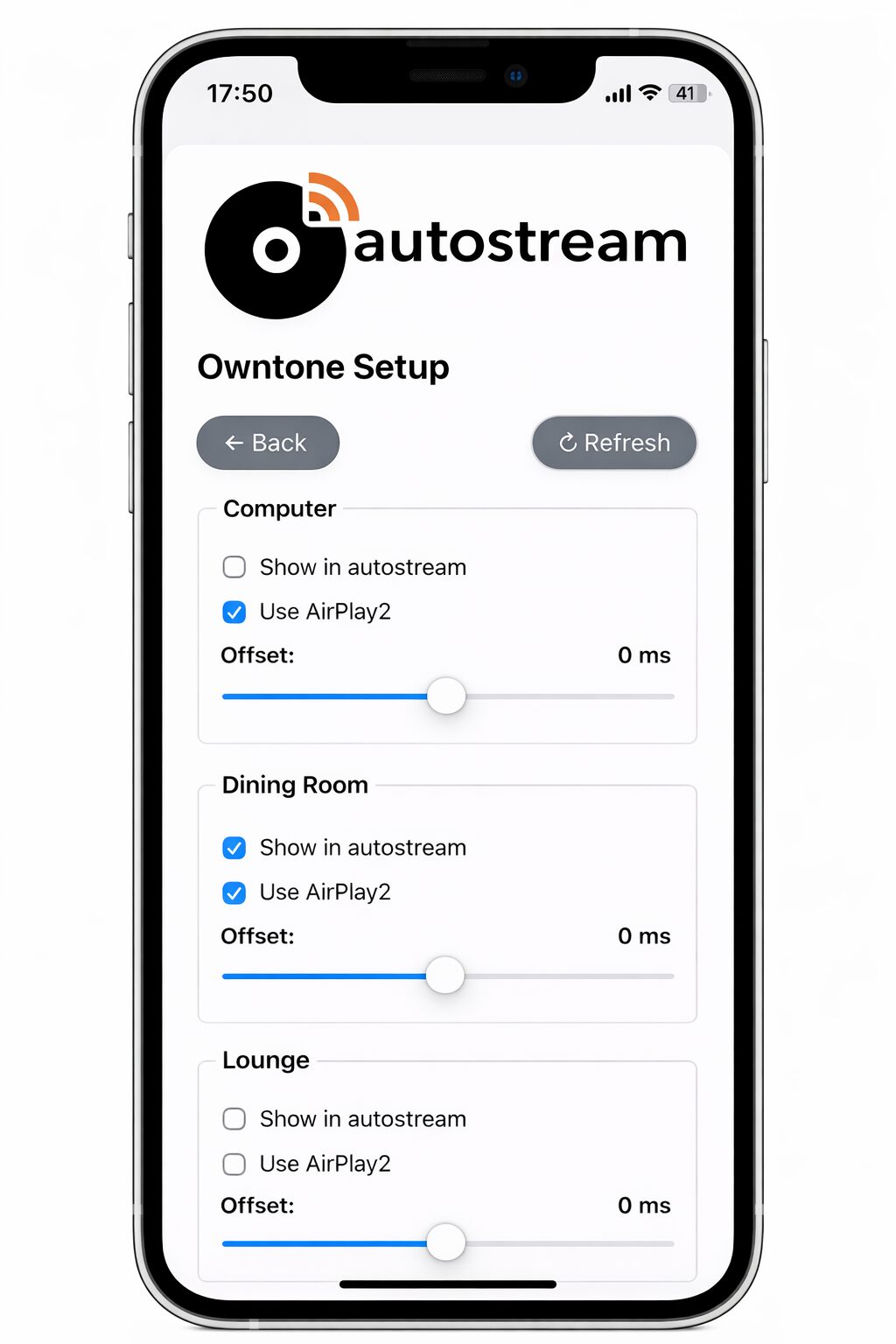
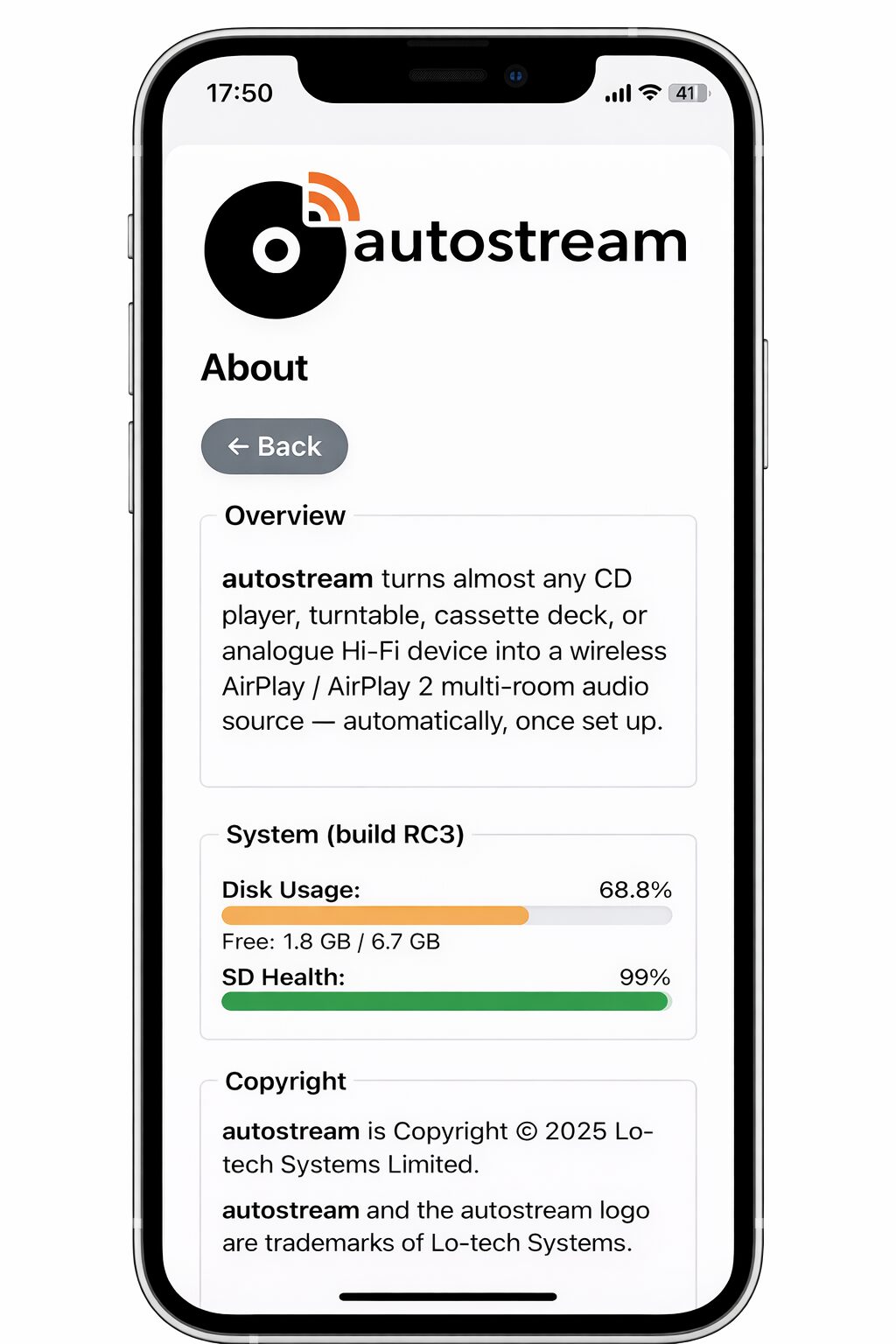
The autostream webUI provides easy access to volume controls and speaker selection, as well as setup. It can be added to an iPhone home screen and behaves much like a regular app, without needing to install anything.


Use Cases
- Vinyl enthusiasts
- Owners of CD players and tape decks.
- DIY audio hackers who prefer deterministic, local solutions.
This isn’t another “stream from your phone” hack. It’s real-time analogue to AirPlay audio that behaves like a native source on your network.
Getting Started
autostream is currently in it’s pre-release phase. It’s already stable enough for use and can be installed directly from GitHub here. The included installation script automates everything.
The system runs on a Raspberry Pi (Zero2W recommended). You will also need a USB input device, like a SPDIF to USB dongle for use with CD players or a USB DAC like the Behringer U-PHONE UFO202 for turntables, both of which are about £20 at time of writing.
It requires:
- A Raspberry Pi (Zero 2W recommended).
- A USB audio input device (turntable with USB out, USB DAC for phono/line, or SPDIF-to-USB adapter).
- AirPlay / AirPlay 2 speakers on your LAN. Chromecast and Roku devices also work.
A Pi Zero-class board draws well under 2 Watts in normal operation.
The autostream installer converts any Raspberry Pi into a streaming appliance. Behind the scenes, it uses ffmpeg to capture audio and adjust for timing differences, and owntone for Airplay and Airplay 2 playback, and layers an app-like webui to configure and control it, as well as background services to ensure the system stays up and enable reconfiguration when needed.
autostream is source-available and free for personal, non-commercial use. Commercial licensing is available on request. Contributions, issues and discussion live on GitHub.